How to Create a Media Kit That Helps Brands Understand Your Value
Help brands understand your content, audience and collaboration options with a clear, accurate creator media kit.
You create content, engage with your audience and put effort into growing your social media presence. But when a brand considers working with you, how can it quickly understand what you offer?
That's where a creator media kit comes in.
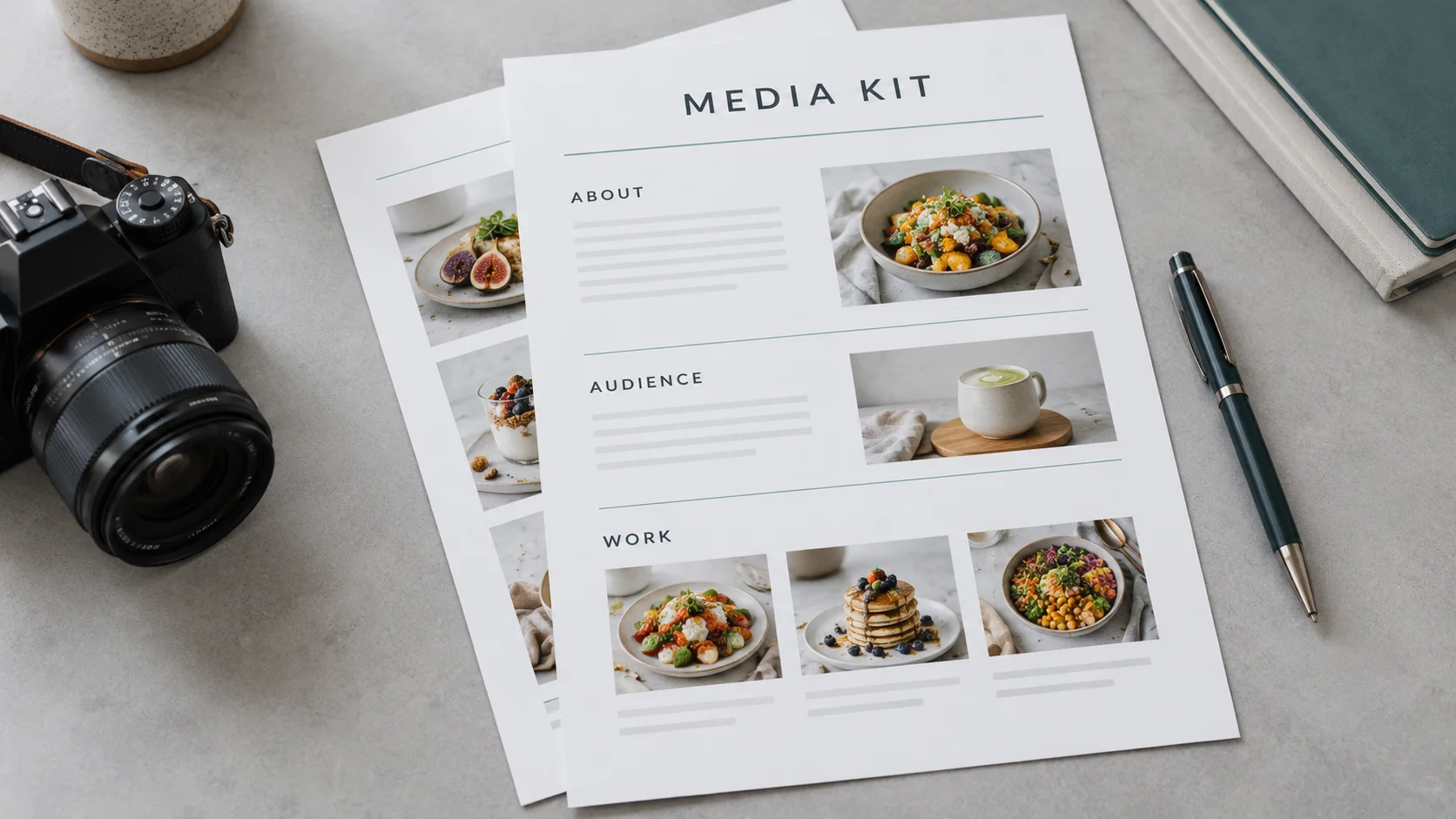
A media kit is a short document that introduces you, explains your audience and showcases your content. Think of it as your professional introduction to potential brand partners.
You don't need thousands of followers or previous brand collaborations to create one. Even if you're just starting, a well-prepared media kit can help you present your work professionally.
1. Start With Who You Are
Brands want to understand what kind of content you create and whether it aligns with their products or audience.
Begin with a short introduction that includes:
- Your creator name and main social platforms.
- The topics you cover, such as fashion, technology, food or lifestyle.
- The type of content you produce, such as videos, tutorials or reviews.
- The languages or regions you primarily serve.
Example: “I'm a food creator based in Dubai, sharing simple home-cooking recipes and kitchen tips through short videos in English and Urdu.”
This tells a potential partner much more than simply describing yourself as a lifestyle influencer.
Why it matters: A clear introduction helps brands quickly understand whether your content is relevant to their campaign.
2. Show Who Your Audience Is
Your follower count is useful, but it doesn't tell the complete story.
A brand may be more interested in whether your audience matches the people it wants to reach.
For example, a business selling kitchen equipment in the UAE may find a Dubai-based food creator more relevant than a creator with a much larger audience in an unrelated market.
Depending on the information available through your social platforms, consider including:
- Followers or subscribers.
- Main audience countries.
- Audience age groups, where available.
- Recent views or reach.
- Engagement information.
An important distinction: Followers and actual viewers are not necessarily the same people.
For example, YouTube Analytics distinguishes subscriber counts from estimated monthly audience, which measures unique viewers over a rolling 28-day period.
Always use accurate information and mention the reporting period. If certain audience statistics aren't available, there's no need to guess.
Why it matters: Relevant audience information helps brands evaluate whether your content could reach their intended customers.
3. Let Your Content Speak for You
You don't need previous paid collaborations to demonstrate your capabilities.
Your existing content can show brands your creativity, communication style and production quality.
Select three examples that best represent your work.
For instance, a technology creator might share:
- A product demonstration.
- A comparison between two devices.
- An educational video explaining a technical feature.
Choose examples that reflect the type of content you would be comfortable producing for a brand.
Don't focus only on your most-viewed post. A relevant, well-produced video can demonstrate your abilities even if it didn't receive exceptional views.
Why it matters: Brands can evaluate your actual work rather than relying entirely on statistics.
4. Explain How You Can Collaborate
Once a brand understands your content and audience, it needs to know what kind of collaboration you can offer.
You might be interested in creating:
- Sponsored videos or posts.
- Product demonstrations.
- Tutorials or educational content.
- Product reviews.
- Event-related content.
Only mention formats you can realistically deliver.
You don't necessarily need to include fixed prices in your media kit. Collaboration costs can depend on the work involved, content usage rights and campaign requirements.
A simple statement such as “Available for relevant brand collaborations; contact me to discuss your campaign” is a reasonable starting point.
Why it matters: Clear collaboration options make it easier for a brand to start a conversation with you.
5. Keep It Simple and Professional
Your media kit doesn't need an elaborate design.
A clean one- or two-page PDF is often enough to introduce yourself.
Include your creator name, a short introduction, relevant audience information, selected content examples, collaboration interests and a professional contact method.
Make sure your social profile links work and that the document is readable on a phone.
Update your audience statistics periodically so you're not sharing outdated information.
Most importantly, never exaggerate your numbers or claim collaborations that haven't happened.
Trust is more valuable than an impressive-looking document.
Your Takeaway: Prepare Your Professional Introduction
If you don't have a media kit yet, start with just three things:
1. Who you are: Write two or three sentences explaining your content niche and the audience you serve.
2. Who watches you: Gather the audience information available from your main social platform.
3. What you create: Select three examples of content that demonstrate your abilities.
These three elements give you a useful starting point for a professional media kit.
You can add collaboration details and improve the presentation as your creator journey develops.
Remember, the purpose isn't to impress every brand. It's to help the right brands understand why working with you could make sense.