Getting Started on Infloria as a Creator
Set up your Infloria creator profile, add real platform information, prepare your first collaboration offer and understand the review process.
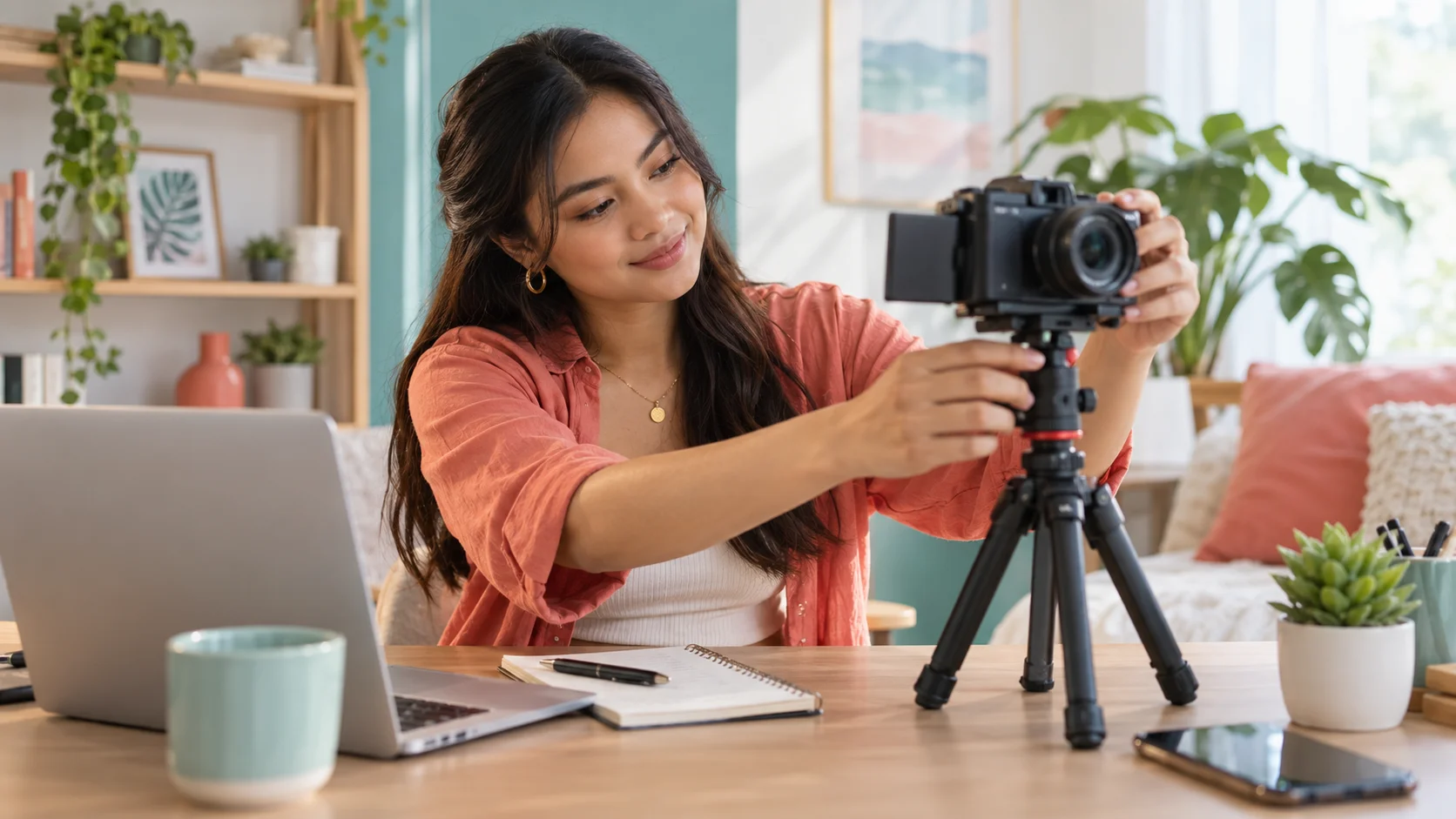
Your first goal on Infloria is to build an accurate creator profile and a clear collaboration offer, then submit them for review when you are ready. Creating an account or finishing onboarding does not automatically make your profile available for discovery.
This guide walks you through the essentials, from choosing your niche to preparing your first offer.
Before You Start
Have these details ready:
- An email address you can access.
- A clear profile photo and the name you want to use professionally.
- Links to the social accounts where you publish original content.
- Current audience information from your own platform analytics.
- A short description of your content and the collaborations you can deliver.
You do not need to invent a polished brand identity before starting. Accurate information and one practical offer are more useful than a long list of services you cannot yet deliver.
1. Create Your Creator Account and Confirm Your Email
Choose the Creator account option when registering. Complete the registration form, review the required terms and privacy information, and complete the security check.
Open the confirmation message sent to your email address and follow its link. If you cannot find it, check your spam folder and use the resend option in your account.
Email confirmation is required before you can submit your creator profile for review. It is separate from profile approval.
2. Add Your Profile Essentials
In onboarding, enter your full name, display name, country and city. Choose a primary niche that reflects the content you actually make. You can also select a different secondary niche if it genuinely describes your work.
Upload a recognizable profile photo. Your location should describe where you are based; you will choose the places where you accept collaborations separately.
For example, a creator who regularly films local food content could choose a food-related niche rather than selecting several unrelated topics to appear available for everything.
3. Add Your Platforms and Real Audience Information
Select the platforms you use, then add the corresponding account information.
YouTube is Infloria's approved connected integration. Where the YouTube connection is available, follow the connection flow using the Google account that manages your channel and review the permissions before continuing.
Other platforms currently use manual account entry. Add your handle, a working profile URL and accurate follower information. Include average views or engagement information where you have reliable figures and the form provides those fields.
Manual entry is not the same as a connected or verified account. Do not describe manually entered figures as independently verified by Infloria.
If a connection is unavailable or fails, follow the instructions shown in your workspace. Do not enter your social account password into a profile field or send it to support.
4. Explain Your Content and Collaboration Markets
Add the languages you create in, the countries where you accept collaborations and any relevant serviceable cities. Select the country before choosing its cities.
Write a short bio that answers three questions: what do you create, who is it for, and what can a business work with you on?
Here is an illustrative example, not a real creator testimonial:
I create short food videos in English and Cebuano, focusing on local dining experiences. I am interested in restaurant visits and product demonstration content for businesses I can represent honestly.
Use your own details. Only list locations and services you can realistically support.
5. Prepare One Complete Collaboration Offer
Your first offer makes your profile actionable. Choose an available offer type that matches your skills, then describe a specific package rather than simply writing "open for collaborations."
Complete the offer's required fields, including its title, collaboration type, platform, description, deliverables and quantity, price and currency, turnaround time, revisions and content usage terms.
For example, an offer could describe one product demonstration video, explain whether it will be posted on your account or delivered to the business, and specify the included revision and permitted usage. This is a package example, not a recommended price or a promise of results.
Be clear about what is excluded. Producing a video does not automatically mean unlimited advertising use, raw footage or unlimited revisions are included.
Save the offer and check any missing-field messages. You need at least one complete collaboration offer before your profile can move into review.
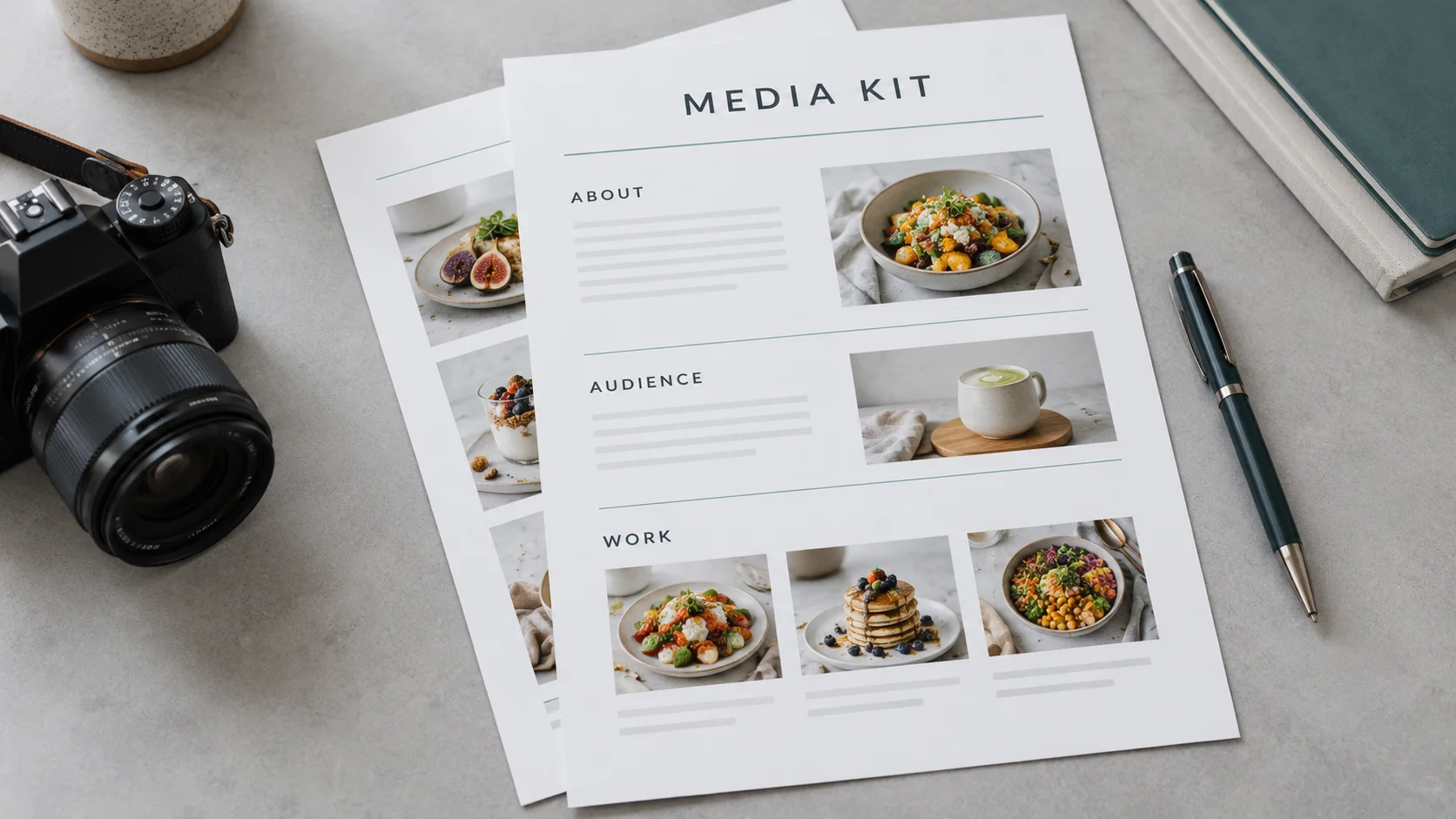
For help choosing an offer, read 5 Ways Creators Can Work With Brands. You can also use our creator media kit guide to organize the information you want to present professionally.
6. Review and Submit When You Are Ready
Check your profile details, platform information and first offer. Resolve the missing requirements shown in your workspace, confirm your email, and complete any required terms acceptance and privacy acknowledgement.
You can continue preparing your workspace without submitting immediately. When the requirements are complete and you are happy with the information, submit your profile for review.
Submission is not approval. Your initial profile remains private while it is being reviewed. If the team requests changes, use the feedback to update the relevant details before submitting again.
Approval does not guarantee a campaign invitation, paid work or a public profile indexed by search engines.
Your Starting Checklist
- Confirm your email address.
- Complete your photo, name, location, niche, bio and content languages.
- Add at least one real platform account with accurate audience information.
- Choose the countries where you accept collaborations.
- Prepare one complete offer with clear deliverables and terms.
- Review the information and submit only when you are ready.
Ready to begin? Open your Infloria creator account and work through the next incomplete step. Start with accuracy, then improve your presentation as your experience grows.